Color Studio
Virtual Paint and Photo Painter
Preview colors in ready room scenes or upload your own photo to paint surfaces manually.
Search Perfect Color For Your Perfect Home
Pick a shade, then click a region (walls, ceiling, supports, beam up, beam down, pillars) to paint.
Red shades
Preview
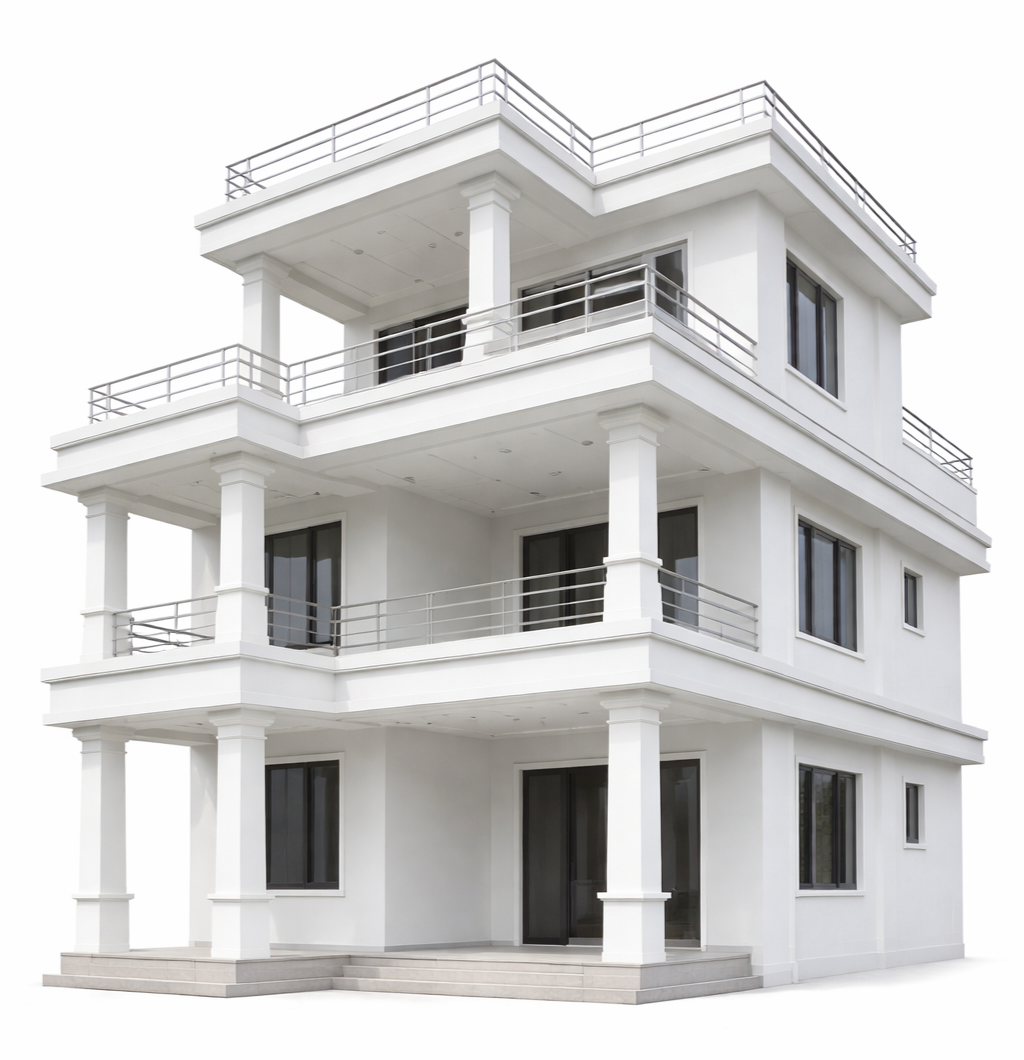
Try Colors on Your Own Home Photo
Upload a photo, paint selected areas, and preview colors before you choose.
Shade Select
White On White
3002P
Pen Paint Preview
100%
Use Draw for wall fill, Select Area to pick painted part, and Cutout for windows/doors.
Tip: Draw to paint, Select Area to choose region, Move to reposition, Point Edit to adjust vertices, Cutout for windows/doors. Shortcuts: D, V, M, P, C, H, Esc.